
Build Real Apps With Jinja
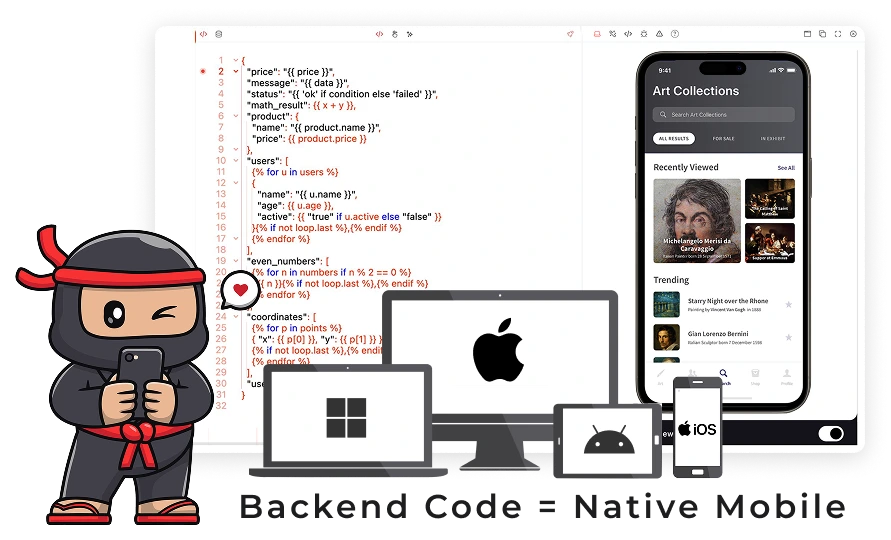
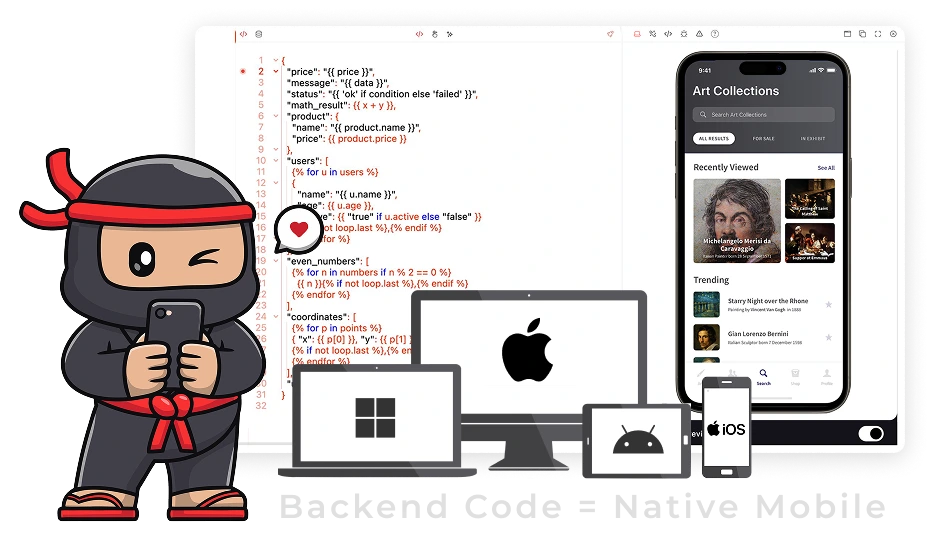
Create REAL native mobile, desktop, and WASM web apps using Jinja, the backend stack that you are already familiar with.
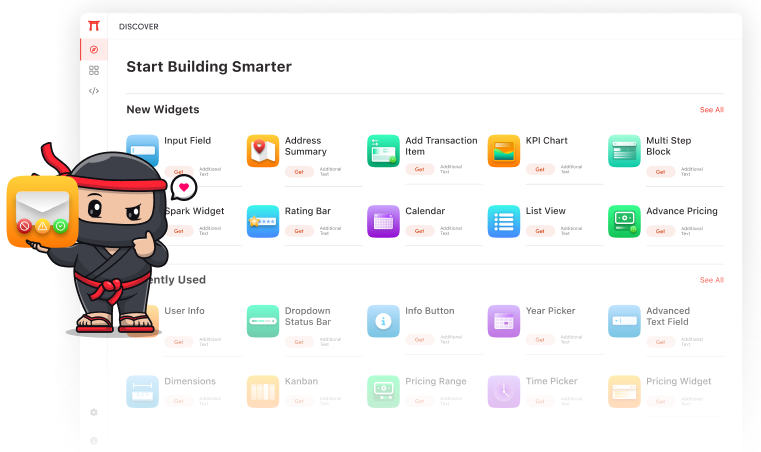
Widgets inside the IDE
One IDE. Everything You Need to Build an App.
Single workspace where code, design, logic, and preview
Jinja.app provides a single workspace where code, design, logic, and preview all live together. You don't need to assemble a toolchain or learn a new mobile framework.
The IDE is designed for developers who already understand data and logic — and just want to turn that into a real app.
App Structure
Write Jinja templates
Interface Design
With visual designer
Build Logic
Workflows & Events
App Simulator Tools
View & Publish to app stores
Torri AI
AI assistant to generate UI & enhance features
Core Features for Developers
Build reusable UI and app logic components. Macros let you define elements once and use them anywhere.
Connect templates directly to your backend, APIs, or external services with real-time bindings.
Event-driven logic seamlessly integrates with templates and macros.
Instantly see how your code behaves on multiple devices.
Get smart suggestions based on context. Create UI or workflows easily. Improve your code while keeping control.
Keep code modular, readable, and scalable for large projects.
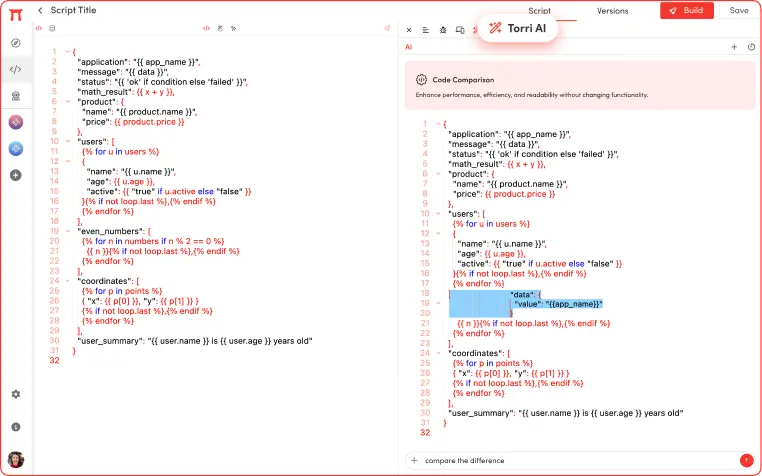
Why the Code Editor Works
Templates and macros reduce duplication and make scaling easier.
Use manual coding, visual design, or AI assisted generation. You can also mix all three.
One codebase drives the same UI and logic everywhere.
Focus on long-term project health rather than quick fixes.
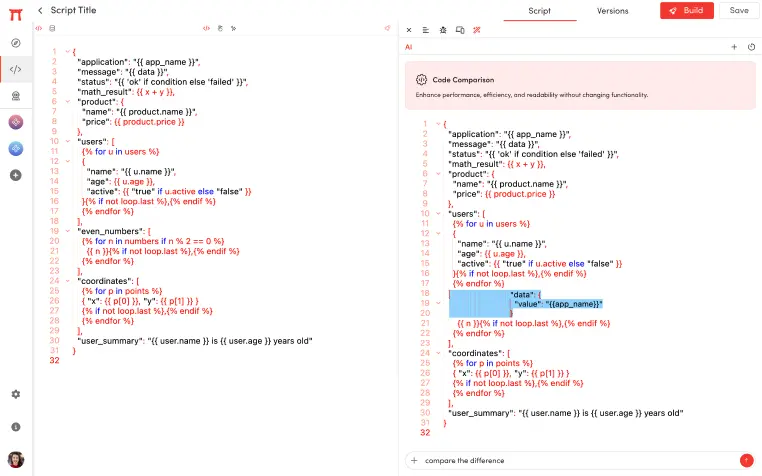
How It Fits Into Your App Development
Jinja fits naturally into your existing Python workflow. Whether you're building from scratch or extending an existing backend, the same templates power your web, mobile, and desktop interfaces.
AI-generation
Combine
Data Binding
Refactoring
Work Freely
Platforms We Compile For
Use Jinja to develop apps on all native platforms from mobile to desktop and wasm web.
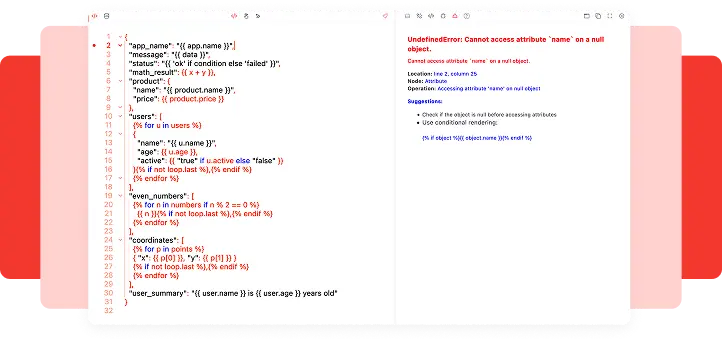
Build Connected, Predictable Apps
Everything in the Code Editor feeds directly into Designers, Workflows, Runtime Viewer, and AI assistance. Your code is always connected, easy to predict, and scalable. This gives you full control and speeds up development.